
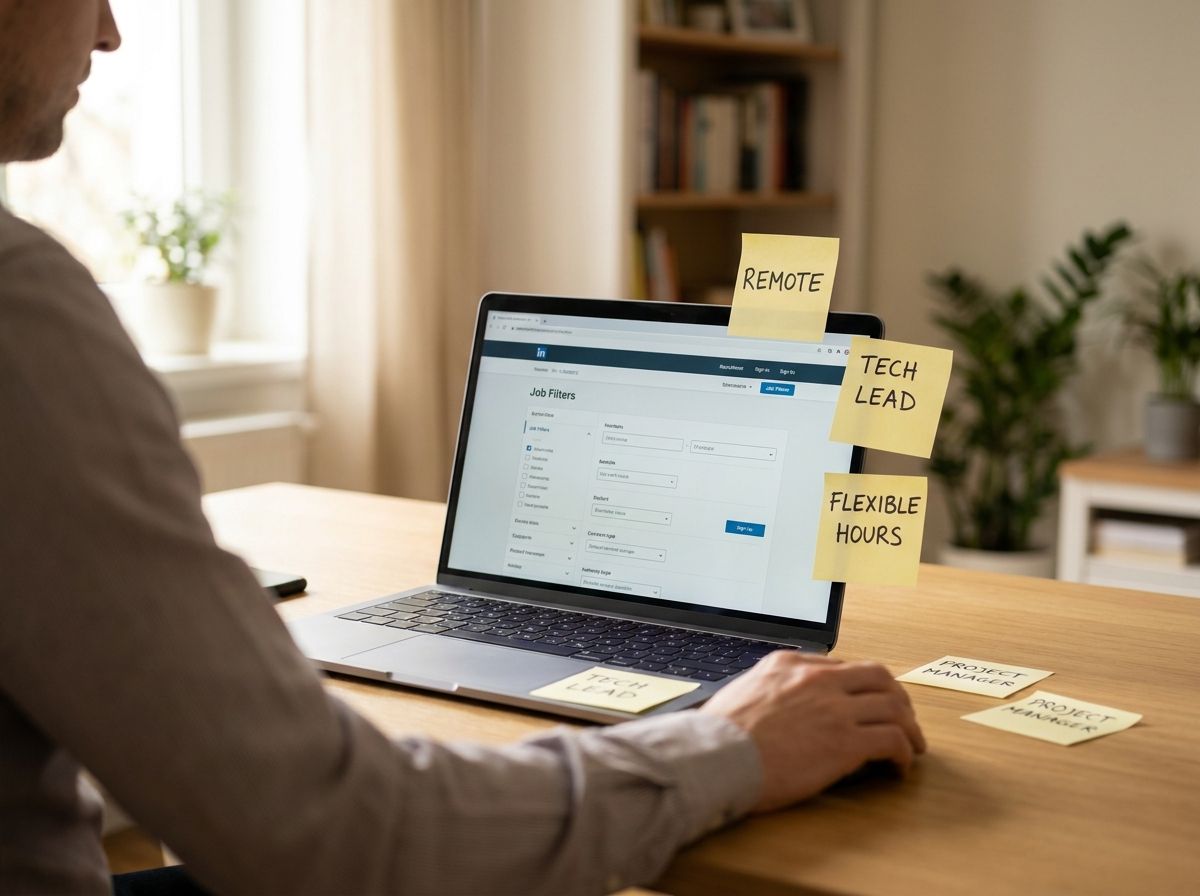
If you’re checking job boards every day, you’ll quickly lose time—and patience. Here’s a better way: set up job alerts so that only truly relevant roles reach your inbox—instead of 50 random ‘office jobs’. With a few smart filters, you'll improve your hit rate and be among the first to discover new listings.
Sharpen Your Search Profile—Don’t Cast Too Wide a Net
Start with a realistic core profile: role, location, and working hours. Then fine-tune your search.
- Use 2–3 keywords (e.g. “Service Technician”, “Commissioning”, “1st Level Support”) instead of full sentences
- Set a radius and commute time (e.g. 25 km or 35 minutes) instead of “Germany”
- Select the level of experience (Junior/Professional), and avoid setting “any”
- Add exclusion keywords where possible (e.g. “Sales”, “Call Center”)
Alerts, Timing, and Regular Updates
A good alert is only as effective as its maintenance. Schedule a quick update every two weeks.
- Set alerts to daily or 2–3 times a week, depending on your industry
- Sort results by “newest first” and try to respond within 48 hours
- After the first 10 job matches: what doesn’t fit? Adjust your filters accordingly
The goal isn’t more results, but the right results.
If you want, set up two alerts: one as a “safe match” and another as a “chance alert” for possible career changes or new technologies.