
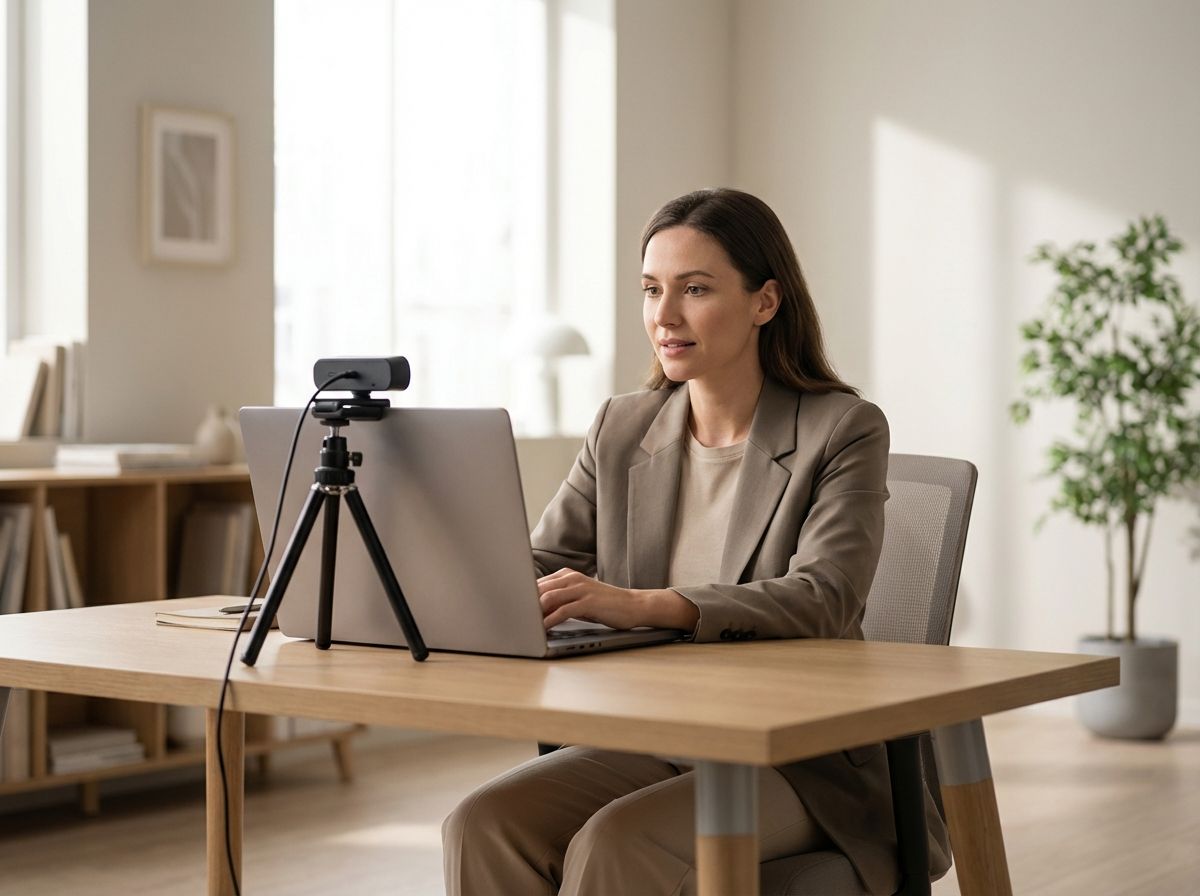
A video interview isn’t a Hollywood production—but your impression still counts. Image, sound, and structure often matter more than perfectly worded answers.
Tech & Setup: The 5-Minute Check
Set everything up just as you would for the real interview before your appointment. This keeps you calm and helps avoid the classic slip-ups.
- Position your camera at eye level, not from below (prop up your laptop with a book)
- Light should come from the front or side, don’t put a window behind you
- Test your sound: use headphones with a microphone or choose a quiet room, turn off notifications
- Keep your background simple: neutral or tidy workspace
Tip: A quick test meeting with a friend or using your phone as a second device will instantly show how you appear on screen.
How to Communicate: clear, concise, approachable
Speak a touch slower than usual and pause deliberately. For eye contact, look into the camera lens—not at your own video image.
- Introduction: 1–2 short sentences about your role and motivation
- Examples: Situation–Task–Action–Result (keep it brief!)
- Close: Ask a question about the team, onboarding, or current projects
Keep 2–3 bullet points within eyesight next to your screen, but don’t simply read from them. And if something goes wrong: acknowledge it briefly, smile, and keep going. Professionalism is often just calmness plus preparation.
If you'd like, practice with smartjobs for your specific industry and open positions.